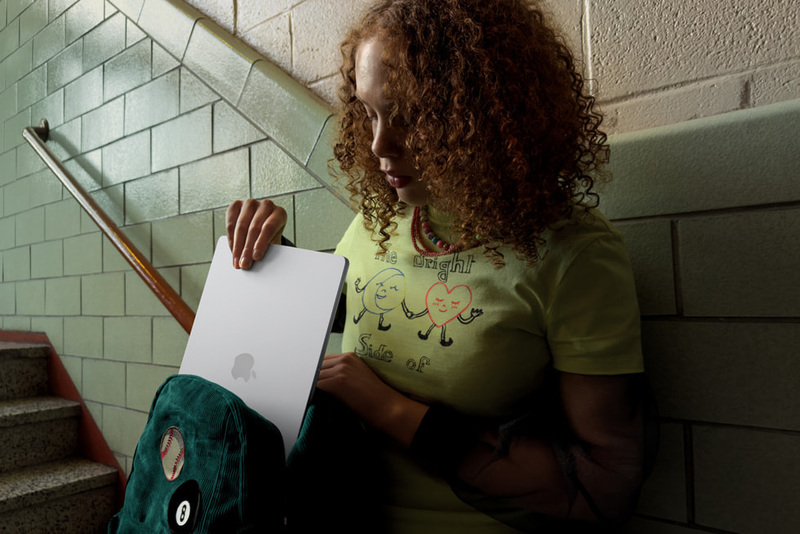
MacBooks are coveted not only for their performance but also for their aesthetic appeal. The familiar "Air" and "Pro" lineups are now joined by the attractively priced "Neo," and even touch-enabled models! Many might be wondering which one to buy.
This article will re-organize the lineup and, assuming you're a "first-time Mac user," introduce how to choose a MacBook and our recommended models. Please use it as a reference for your purchase!
Table of Contents
Key Points for Choosing a MacBook Point 1: [Model] Air is the default! Neo for light tasks, Pro for professional use Point 2: [Portability] Neo or Air if you carry it, Pro if it's your main machine Point 3: [Memory] 16GB is safe. 8GB is surprisingly okay. What pros need. ASCII Editorial's Top 5 Recommended MacBooks 13-inch MacBook Air MacBook Neo 15-inch MacBook Air M6-equipped 14-inch MacBook Pro Touch-enabled 14/16-inch MacBook Pro
Key Points for Choosing a MacBook (1) [Model] Air is the default! Neo for light tasks, Pro for professional use
Currently, MacBooks are available in three series: "Neo," "Air," and "Pro." If a friend asks for a recommendation without much detail, the answer would be the middle-ground "Air."
Due to rising semiconductor prices, the MacBook Air, which once had an affordable image, now starts at ¥224,800, making it a bit pricier. However, it comes standard with 16GB of memory and a 512GB SSD, supporting a wide range of operations from image and video editing to Office apps and web browsing. Unless you're performing serious professional tasks like video editing or music production, there's rarely a situation where the MacBook Pro's performance is strictly necessary.
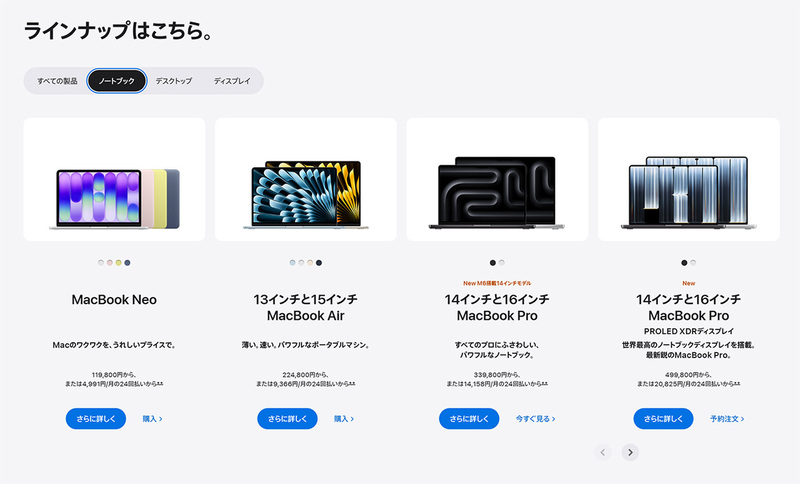
MacBooks come in three series: "Neo," "Air," and "Pro." The Pro series is further divided into the latest touch-enabled models and standard models.
The much-talked-about MacBook Neo's biggest feature is its price, under ¥120,000. Yet, its high display performance and attractive design are inherited from higher-end models. However, the limitation to 8GB of memory is a regrettable point.
Key Points for Choosing a MacBook (2) [Portability] Neo or Air if you carry it, Pro if it's your main machine
If you plan to carry it around daily, the 1.23kg 13-inch MacBook Air or MacBook Neo are strong contenders. The MacBook Pro, while high-performing, is also heavier. However, the latest touch-enabled 14-inch MacBook Pro, featuring an OLED display, weighs 1.38kg. Considering its performance, this is astonishingly light. If you're using it as your main machine, you might want to consider the MacBook Pro for its rich selection of ports.
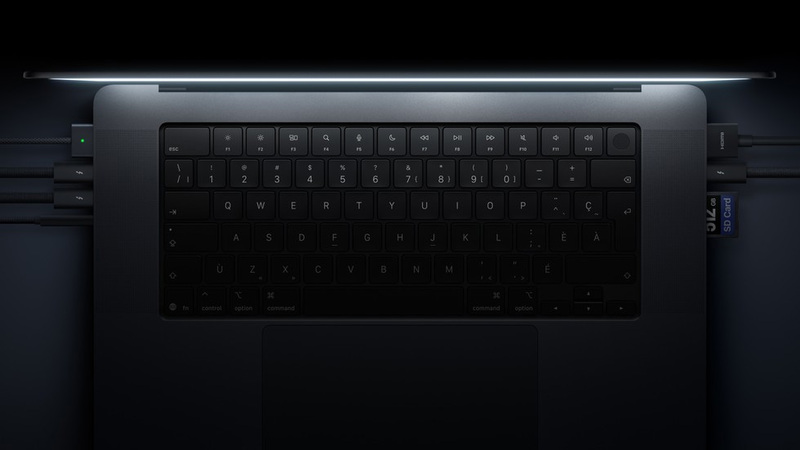
The MacBook Pro's rich selection of ports is a major appeal, proving its power for professional use.
Key Points for Choosing a MacBook (3) [Memory] 16GB is safe. 8GB is surprisingly okay. What pros need.
Due to the surge in semiconductor prices driven by the AI boom, it's now crucial to carefully consider the amount of installed memory when purchasing a PC. The MacBook Air comes standard with 16GB or more, which, as mentioned, is sufficient for most users. If you're considering professional use, you should choose memory based on the applications you'll actually use and your specific usage scenarios.
The problem lies with the MacBook Neo, which only offers an 8GB memory option. This is tricky, but what can be said is that it's "much more practical than a Windows machine with the same 8GB." Also, the memory consumed by opening many browser tabs or heavy applications is "not significantly different from a Windows machine." In essence, for light tasks, it's perfectly fine, but not if you open many apps or browser tabs. It depends on your usage.
On the next page, we'll introduce the MacBooks recommended by our editorial team!
[Recommended MacBook 1] "13-inch MacBook Air" - The first MacBook to consider, with portability in mind at approx. 1.23kg
Among MacBooks, the M5-equipped 13-inch MacBook Air is likely the first one to consider for purchase. Its current price starts at ¥224,800, or ¥206,800 with student/faculty discount. While it feels significantly more expensive than before, it comes standard with a 512GB SSD and 16GB of memory. Compared to Windows machines with similar performance, it doesn't feel overpriced; in fact, it could be considered a good deal.
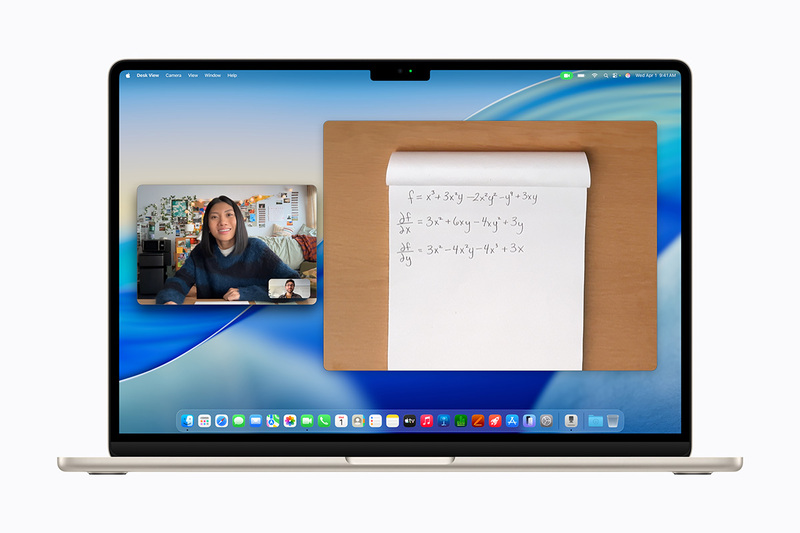
While the price has risen to over ¥220,000, the MacBook Air remains a versatile model suitable for a wide range of uses and long-term ownership.
The latest "M5" CPU is high-performing and capable of handling many tasks, and its fanless design means it's virtually silent, which is a welcome feature when used in places like libraries. The ability to choose from four colors—Sky Blue, Silver, Starlight, and Midnight—is also unique to the MacBook Air.
Weighing approximately 1.23kg, it's heavier compared to serious mobile devices under 1kg, but still perfectly portable. Battery life for internet use is about 15 hours. It's an all-rounder!
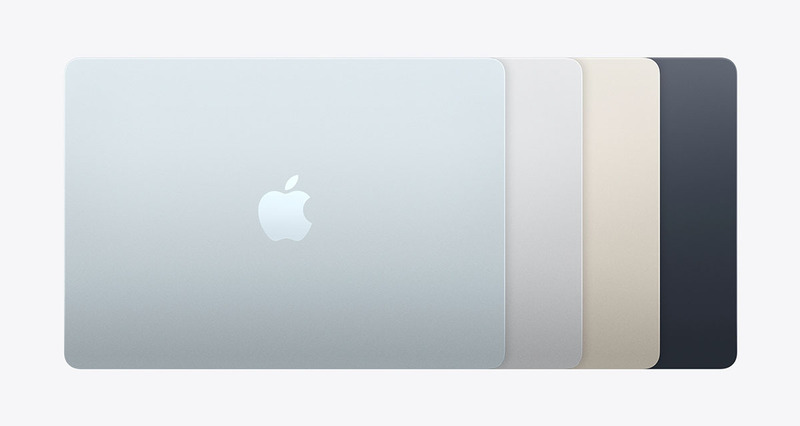
The availability of four attractive colors is another appeal of the MacBook Air.
[Recommended MacBook 2] "MacBook Neo" - A Mac notebook around ¥120,000, even with a slight price increase. Is 8GB of memory enough?
The "MacBook Neo," a budget MacBook, has been a hot topic. Despite a price increase since its announcement, its starting price of ¥119,800 (or ¥109,800 with student/faculty discount) still shines!
Even for a "cheap" MacBook, the appealing aspect is that money has been spent where it counts. Especially the 13-inch display, with its beautiful visuals and high definition of 2408x1506 dots, clearly surpasses Windows notebooks in the same price range. Furthermore, the four available colors are consistent across the keyboard and even the rubber feet on the back. This kind of design appeal is unique to Mac.
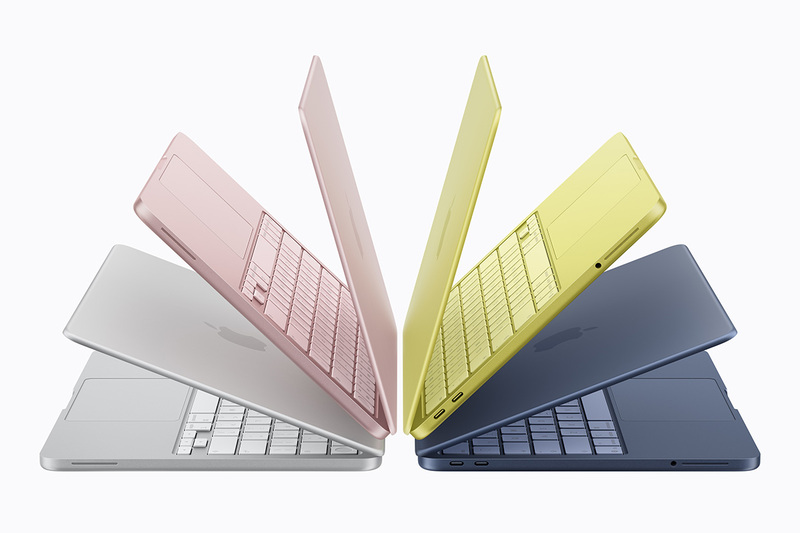
From left: Silver, Blush, Citrus, Indigo. These vibrant colors alone make you want one!
On the other hand, the fixed 8GB memory is a concern. As mentioned on the previous page, 8GB of Mac memory is definitely more comfortable than 8GB on a Windows machine, but it's still somewhat challenging for serious video editing. However, for everyday use like web browsing and light photo editing, it's perfectly sufficient. It's a practical machine that offers solid value beyond its price, making it ideal for a first Mac!
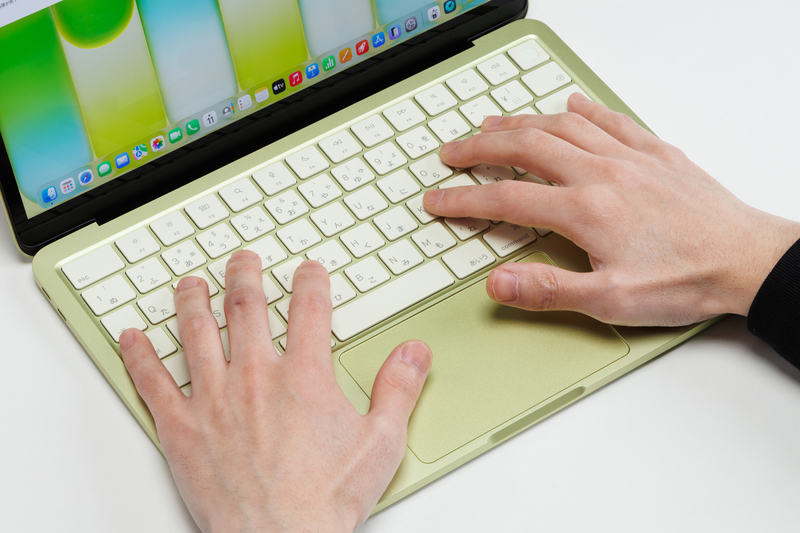
Not just the body, but also the keyboard and rubber feet are color-matched.
[Recommended MacBook 3] "15-inch MacBook Air" - The second Air, with a larger screen size than the 13-inch
The "15-inch MacBook Air" can be called the second MacBook Air. While its specs are essentially the same as the 13-inch model, its expansive 2880x1864-dot desktop makes working with multiple windows significantly more comfortable. The ¥40,000 price difference from the 13-inch model is well within reason.
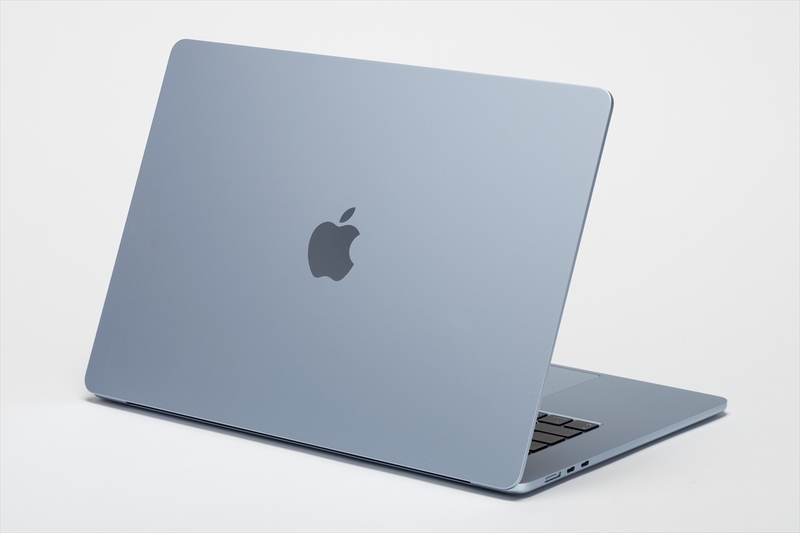
With a larger screen, the 15-inch MacBook Air naturally offers a wider workspace.
The body weight is approximately 1.51kg. Of course, it's heavier than the 13-inch, but if you want to use it outside, you should make an effort to carry it. Depending on your bag or backpack, it's not overly burdensome.
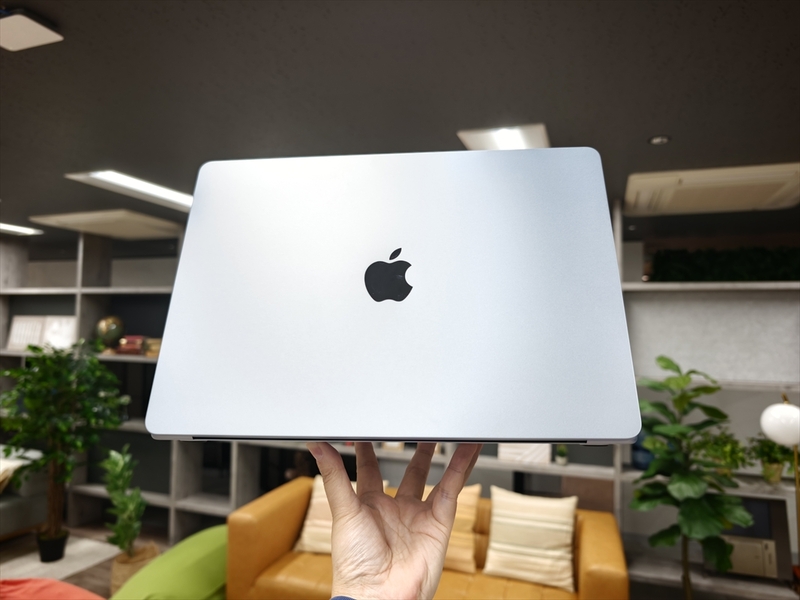
At over 1.5kg, it's a bit tough to hold with one hand.
[Recommended MacBook 4] "M6-equipped 14-inch MacBook Pro" - An entry-level Pro model with the latest-generation CPU
The professional-grade MacBook Pro comes in two sizes: 14-inch and 16-inch. In addition to the higher-end touch-enabled & OLED models discussed later, a 14-inch model with standard performance plus the latest-generation "M6" CPU is also available. Prices start from ¥339,800.
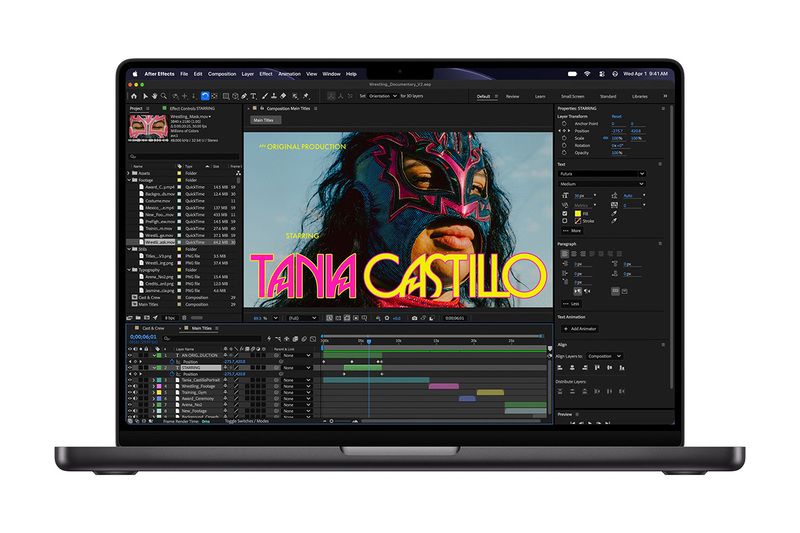
The latest 'M6'-equipped MacBook Pro is here. This is a standard model without touch support and with an LCD display. It comes in 14-inch and 16-inch types, with the 16-inch model featuring M5 Pro/M5 Max instead of M6.
Compared to the MacBook Air, the professional models offer distinct options and ports. For the display, you can choose the "Nano-texture" coating option (¥24,300) to reduce glare and reflections, and it also supports ProMotion up to 120Hz. The inclusion of an SD card reader and a full-size HDMI port on the body is a huge advantage for professional work. The SSD starts at 1TB standard. For professionals, the MacBook Pro is undoubtedly the choice.
[Recommended MacBook 5] "Touch-enabled 14/16-inch MacBook Pro" - The pinnacle of everything, with prices starting from ¥499,800
The long-rumored touch-enabled MacBook Pro has finally arrived. While some might question if touch is necessary for a Mac, it will likely be widely accepted by the smartphone generation, for whom "touching the screen to operate" is standard.

The long-awaited touch-enabled MacBook Pro. The hinge has reportedly been newly designed to prevent the display from wobbling when touched.
The display uses OLED technology. Tandem OLED, also adopted in the iPad Pro, achieves an overwhelmingly wide color gamut and high resolution. Furthermore, the adoption of OLED has reduced the weight of the 14-inch model from the traditional MacBook Pro's 1.6kg to 1.38kg. This brings it well within the realm of portability.
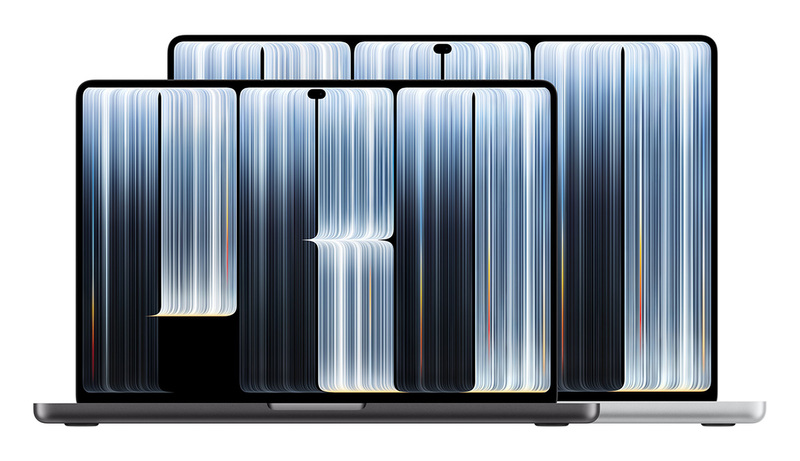
This also comes in 14-inch and 16-inch types.
For professionals working with photos and videos, this machine will likely offer value beyond its starting price of ¥499,800. It is truly a machine for such professionals.