When using a PC, the mouse is just as important as the keyboard! While you can certainly keep using the one that came with your PC, or even buy one for around 1000 yen, if you're using it for daily work, you might want to increase your budget a bit to around 3000-5000 yen. Even in this price range, the smoothness of operation and features are vastly different from mere "cheap goods."
Still, when you go to electronics retailers or e-commerce sites, there are so many products that choosing one can be a real headache. So, along with tips on how to choose, our editorial team will introduce the top 5 work mice under 5000 yen! Please use this as a reference when making your purchase!
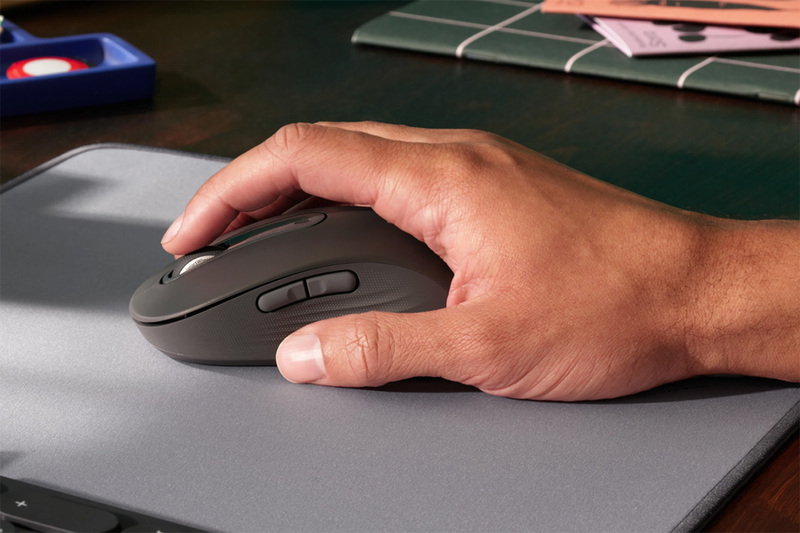
Among the many mice available, we'll introduce classic models under 5000 yen!
[Table of Contents]
Key Points for Choosing a Work Mouse Under 5000 Yen Point 1: [Connection Method] Bluetooth is convenient for laptop use Point 2: [Number of Buttons and Wheel] Side "Back" and "Forward" buttons make a huge difference in usability Point 3: If you carry it around, check size and silent operation ASCII Editorial Team's Top 5 "Work Mice Under 5000 Yen" Logitech "M650 Signature Wireless Mouse" Logitech "Signature Plus M750" Logitech "Marathon Mouse M705m" Buffalo "BSMBB705" Elecom "M-XGM30BBSK"
Key Points for Choosing a Work Mouse Under 5000 Yen (1) [Connection Method] Bluetooth is convenient for laptop use
If you're buying a mouse for work now, a wireless model is definitely recommended to avoid tangled cables. Connection methods include those that use a dedicated USB adapter, Bluetooth types, and products that support both.
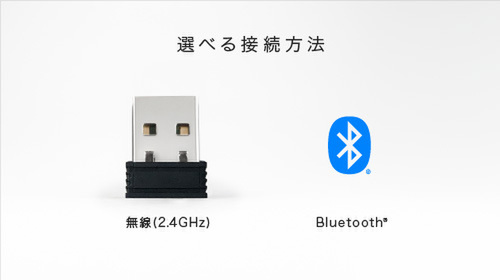
For work use with a laptop, Bluetooth connection, which doesn't require a USB adapter, is by far the most convenient. There are also products that support both.
Almost all current laptops support Bluetooth, so if you're pairing it with a laptop, a Bluetooth type is definitely the way to go. Additionally, some products allow you to switch connections when using multiple computers.
Key Points for Choosing a Work Mouse Under 5000 Yen (2) [Number of Buttons and Wheel] Side "Back" and "Forward" buttons make a huge difference in usability
Regarding mouse buttons, the left and right buttons and the scroll wheel are standard, and some argue that anything more just gets in the way. However, having one or two side buttons makes a huge difference in usability.
Side buttons are generally assigned to "Back" and "Forward" in web browsers. When returning to a previously viewed page, the difference between moving with a single side button versus moving the cursor and clicking an icon, though seemingly minor, results in a significant difference in workflow.
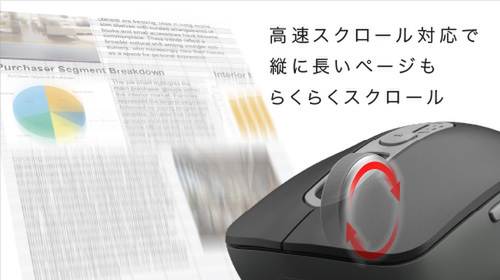
Mice with wheels that scroll normally at first, then rapidly with more force, are currently popular.
Also, many people place importance on the scroll wheel. High-speed scrolling for handling large documents or left/right tilt for Excel operations can significantly boost work efficiency.
Key Points for Choosing a Work Mouse Under 5000 Yen (3) If you carry it around, check size and silent operation
Many people carry a mouse in their bag along with their laptop. In such cases, size and weight are naturally concerns. If you're carrying it around, products under 100g are excellent. Also, when using it outdoors, the "click-clack" sound from the mouse might be bothersome. In that case, you'll want to choose a product that boasts silent operation.
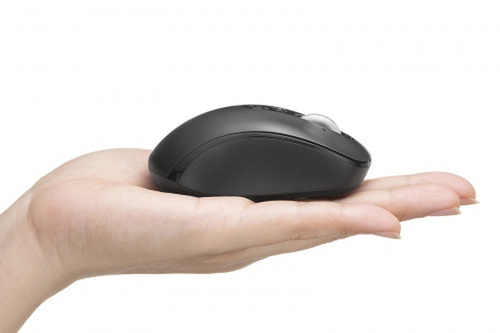
Too compact can be difficult to use, so it's a balance between prioritizing portability and finding one that fits your hand.
On the next page, we'll introduce five work mice under 5000 yen recommended by our editorial team!
[Work Mice Under 5000 Yen, Part 1] Logitech "M650 Signature Wireless Mouse"
Logitech's standard model
A reliable choice for around 4000 yen
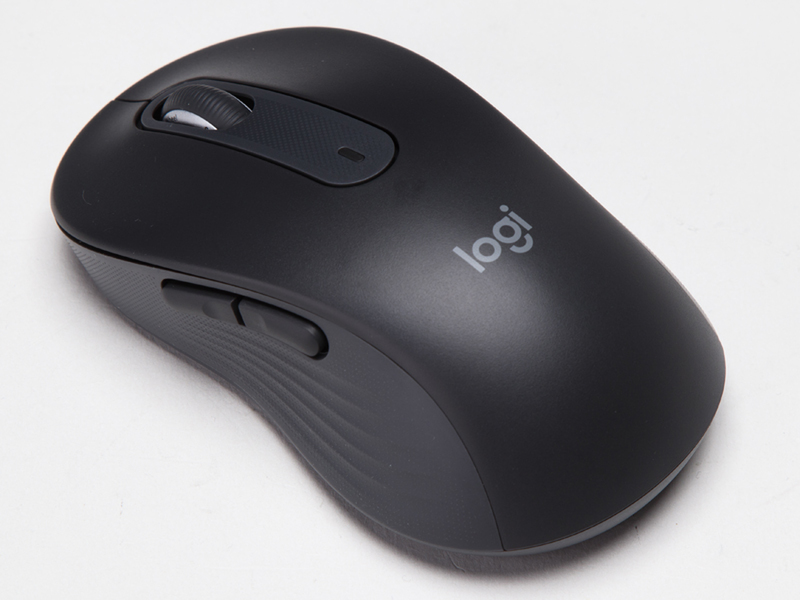
When it comes to top mouse brands, "Logitech" (known as "Logicool" in Japan) is certainly a global leader. They have a very extensive lineup, but the "M650 Signature" is a classic in the entry-level category. With a street price of around 4000 yen, it's a reliable standard model with a sufficient five buttons.
The scroll wheel features high-speed scrolling when moved vigorously. The buttons are silent, and there are no complaints regarding its features. It also supports both USB and Bluetooth connection methods.
It comes in two sizes, M and L, allowing users to choose. Also available in five colors. Since it's often displayed in electronics retailers, you can try it out and choose your preferred model.
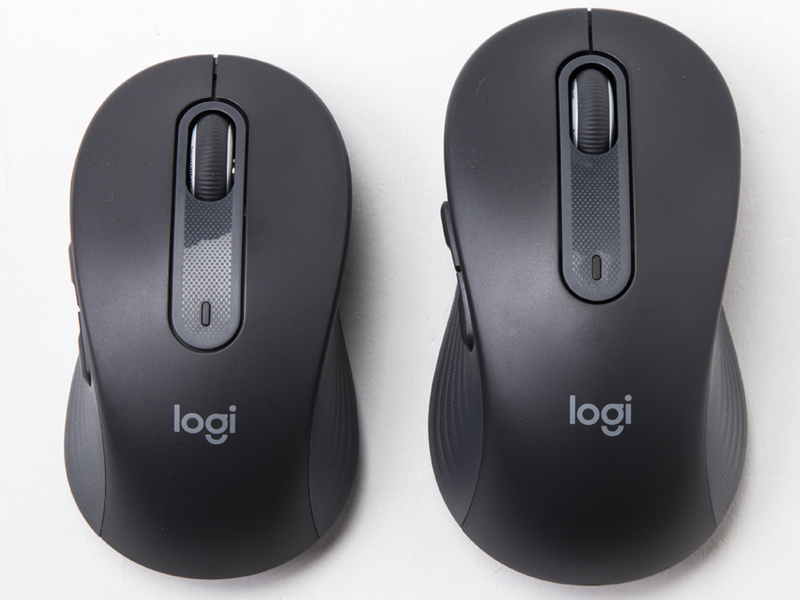
There are two sizes, and the street price is almost the same.
[Work Mice Under 5000 Yen, Part 2] Logitech "Signature Plus M750"
M650's higher-end model
If you use multiple PCs, definitely go for this one
This product is the higher-end model of the M650. While the street price difference is only a few hundred yen, the functional difference is significant. Notably, it can pair with up to three PCs simultaneously (either three Bluetooth devices, or one USB and two Bluetooth devices), and you can easily switch connections using a switch on the bottom.
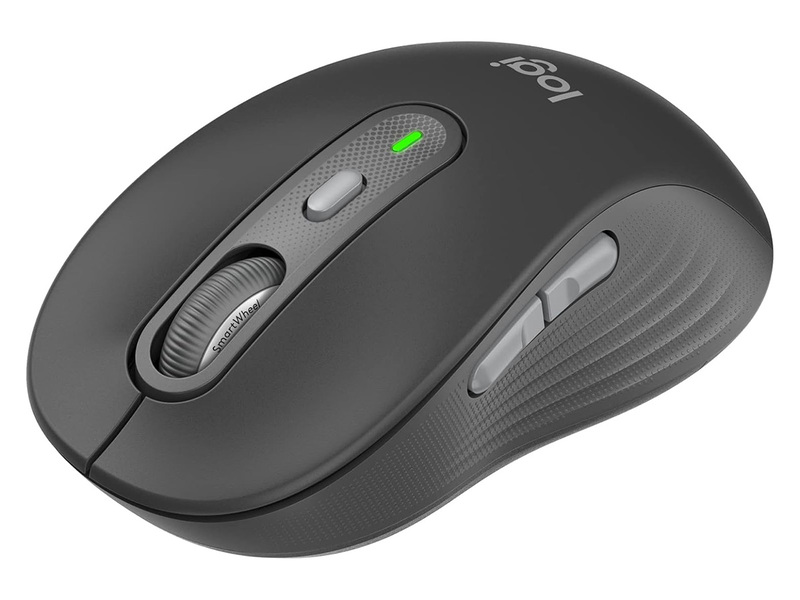
The higher-end M750 can connect to up to three computers, and you can easily switch between them with a button on the bottom.
Additionally, there's a sixth button below the scroll wheel that can be assigned to change cursor speed or any other function the user desires. The mouse's appearance is essentially the same as the M650, and it also comes in M and L sizes.
[Work Mice Under 5000 Yen, Part 3] Logitech "Marathon Mouse M705m"
Logitech's major long-selling model
Excellent battery life of 3 years with two batteries
Including previous versions, this is a Logitech long-seller that has been on the market for over 15 years. Having been sold for so long, its design is robust and practical. Nevertheless, it features a high-precision optical sensor and seven buttons. With a scroll wheel that supports high-speed scrolling, its features are more than sufficient. Its excellent battery life, lasting up to 3 years with two AA batteries, is also a plus. However, the connection method is USB only. This should be noted when pairing with a laptop.
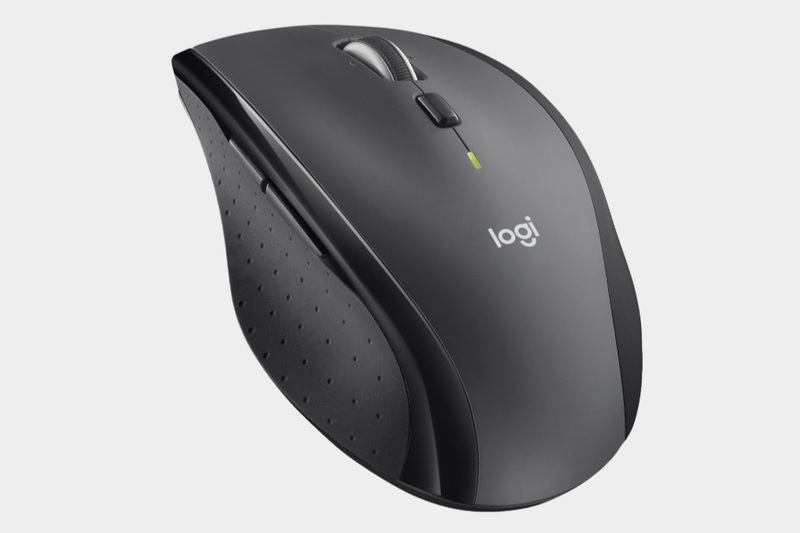
The long-selling "M705m"
[Work Mice Under 5000 Yen, Part 4] Buffalo "BSMBB705"
3-device connection, silent, high-speed wheel, left/right tilt... all-in-one for under 3000 yen
A Buffalo product in the 3000 yen range. Perhaps in consideration of its rivals, this product can be called "all-in-one," featuring Bluetooth + 2.4GHz for up to three pairings, silent switches for the left/right and side buttons, a high-speed scroll wheel, and left/right tilt operation. The ability to last up to 980 days on a single AA battery is also a welcome feature.
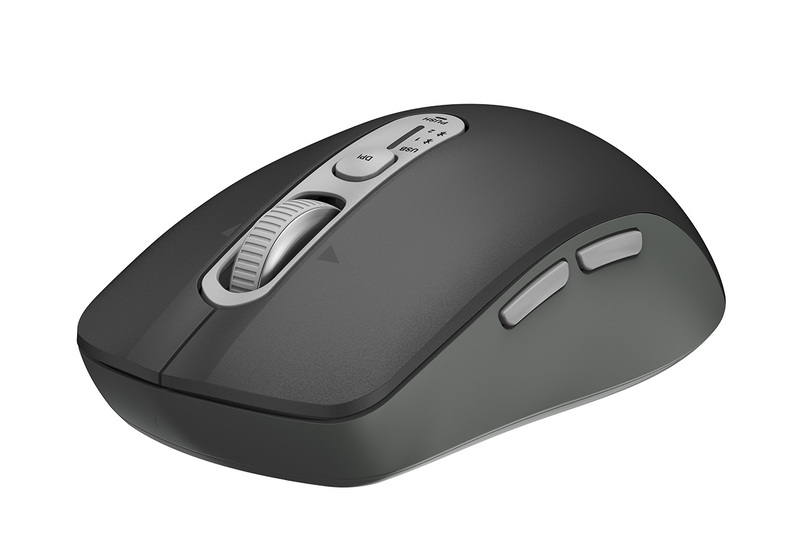
All the trendy features at an affordable price! Buffalo "BSMBB705"
[Work Mice Under 5000 Yen, Part 5] Elecom "M-XGM30BBSK"
Simple, symmetrical design
Available in 4 sizes
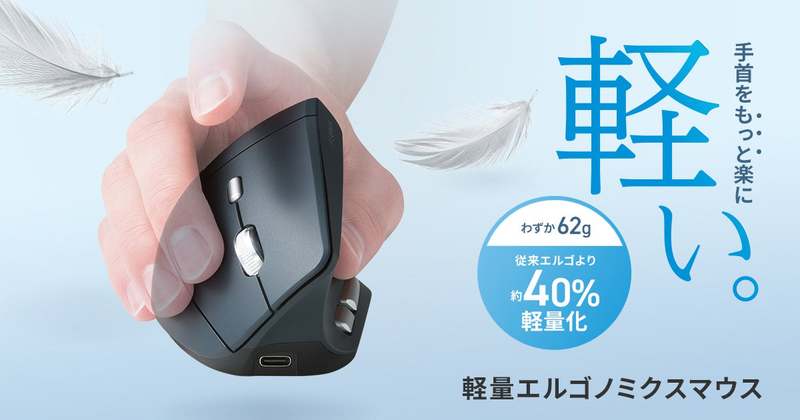
This is an ergonomic mouse with a rightward tilt, designed to reduce wrist strain. It claims to be easy to use by allowing the hand to rest naturally. The availability of four sizes (S/M/L/XL) is also a welcome feature, allowing users to choose one that fits their hand.
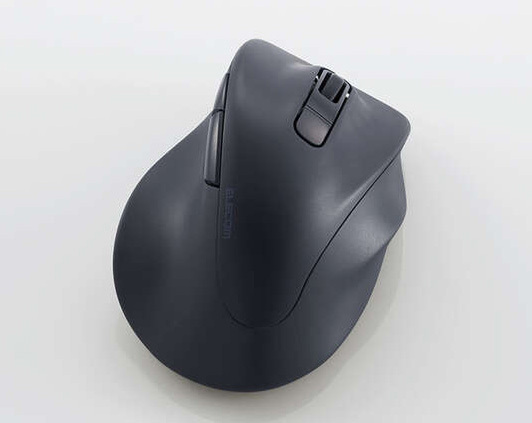
Its shape is designed to reduce strain on the wrist and fingers.
In terms of features, it connects via Bluetooth only and can pair with up to two devices. It features silent switches for the left and right buttons and supports up to 16 months of use on a single AA battery.
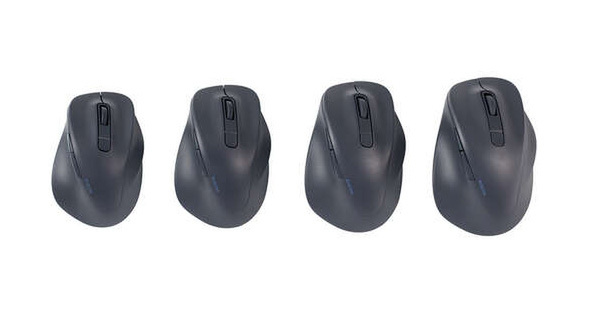
With 4 sizes available, you can choose one that fits your hand.